I didn’t think agentic workflows would ever apply to me. In fact, I actively refused to jump into the AI hype of 2024 and 2025. I disliked the sensationalist headlines and the “dream selling” that dominated the industry. Today, I’m playing catch-up, but looking back, I still believe my initial hesitation was the right decision.
I initially stuck to what felt useful: simple text-to-text interactions. I used ChatGPT when it launched, experimented with Bing Chat and Bard, and dabbled with open-source tools via Ollama. However, the results often felt lackluster, so I let them be. My exposure through work was sufficient to keep me in the loop without diving in headfirst.
As the landscape shifted with new tools and approaches, I continued to watch from afar, testing Gemini CLI rapidly or building simple custom Gems, but nothing substantial. I lacked a compelling use case, specifically one that didn’t involve sharing personal data with an LLM. Furthermore, I hadn’t touched raw code in a decade; my work focused on Infrastructure as Code (IaC) and configuration management, areas where early LLMs struggled and posed significant security risks.
However, late in 2024, I used AI to document my homelab, and for the first time, it was “good enough.” Since then, products have evolved to cover more complex use cases. I have changed how I work, both professionally and in my spare time, adapting agents and AI tools into a seamless workflow.
How I Work: The “Project” Approach
My core work hasn’t changed much over the last two years; I still focus on IaC and non-coding technical topics. However, I now utilize the same toolset a software developer would.
I treat every task as a distinct “Project.” Whether I am researching winter tires or architecting a cloud solution, I create a new directory in my personal drive. It starts with a raw_notes.md file containing my brain dump: what I want, what I think I want, known information, and known unknowns.
1. Research & Ideation: Gemini Web
For initial research, I use Gemini directly alongside standard search engines. It acts as a sounding board, helping me compare options and decide on parameters for unfamiliar topics.
I often ask it to explain concepts using analogies that resonate with my background. Much like the “explain in football terms” memes, I ask for explanations that map to my existing knowledge. While I initially created a custom Gem for this, I now simply prompt it ad-hoc when clarification is needed.
2. The Powerhouse: Gemini CLI
The second, and perhaps most transformative, tool that really convinced me to use an agentic workflow is the Gemini CLI. It has been a life-changing addition to my use of AI and productivity.
If I were researching car tires, I would open the CLI in my project directory and instruct it to find information specific to my vehicle. Unlike a standard chat, I can provide a GEMINI.md file in the directory. This file acts as a persistent custom prompt, instructing the agent on how to behave globally or per project.
Key Capabilities:
-
System Interaction: It can run terminal commands, allowing for quick prototyping and script creation.
-
Self-Correction: If a command fails, it analyzes the error output and attempts to fix it automatically.
-
Extensions & Skills: Using Gemini CLI Extensions, it can interact with external tools.
-
Conductor: I use the Conductor extension to transform rough ideas into proper implementation plans (e.g.,
conductor:plan), ensuring a structured approach before execution.
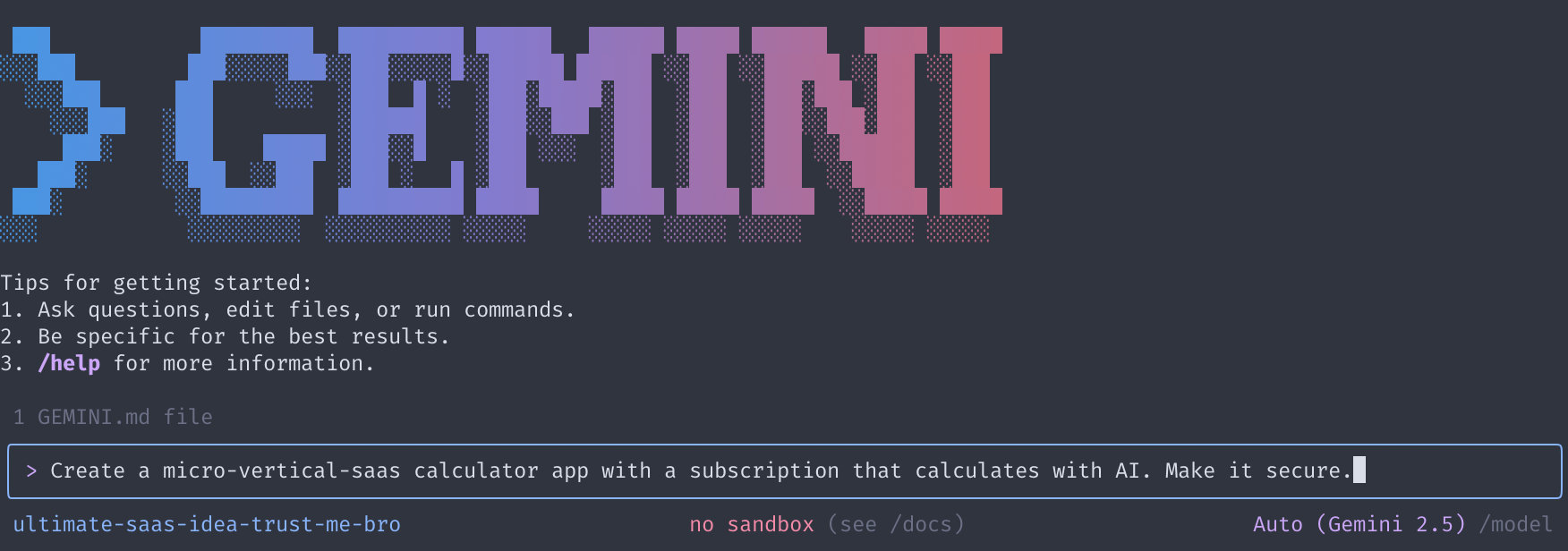
Unlike Claude, which summons multiple sub-agents, Gemini CLI typically feels like interacting with a single agent. When I need research output, I ask it to generate a Markdown report. I wait for it to finish writing the file, then read it directly, eliminating the tedious copy-paste loop from a web browser. (Although now you can find reports in your Google Drive too, found via Gemini Web). Another way I really like using gemini-cli is for quick scripting and/or working on a single document, maybe two. I don’t need a full IDE, and I need a more capable tool than the web to directly interact with my code and system.
3. The Agent-First IDE: Google Antigravity
The third tool I’ve adopted is Google Antigravity.
Previously, I used VS Code with Copilot, refusing to pay for Cursor as I didn’t see the value add, and like I said, I refused to jump into that weird AI trend of tools for agents. Mostly because I felt they were just hype and nothing my current tools could do with an update (and I was right). But I still jumped from VS Code because Antigravity changed that. It allows me to leverage my Gemini subscription while also accessing Claude and GPT-OSS 120B models within a unified interface. Yes I could use VS Code with GitHub Copilot, but I already have a subscription to Gemini, and I like the Agent-First approach for Antigravity.
I use Antigravity for larger projects requiring multi-file context. My approach here is deliberate; I don’t just say “do this” and burn through tokens. I arrive prepared with a complete design document, often refined by the previous two steps (Gemini Web and Gemini CLI).
The Workflow:
-
Open the project directory and add the design document.
-
Ask Gemini to review the document and it will prepare an implementation plan that is formatted in a way the agents will understand. This completes the design_document.md file.
-
Review the automated plan, adding comments if key points are missing. And it’s a feature I really like because I can instruct the agent to rework the plan on a specific part if it doesn’t suit me. Much like when you work with colleagues on Google Docs and leave a comment because they didn’t complete their part.
-
Instruct the agent to create the necessary artifacts, and validate every command line in the terminal. You could go yolo, but I rather supervise what is happening and stop it if it deviates.
This method allows me to modify documents and code with autocomplete support, significantly speeding up development.
The Risks: Vibe-Coding vs. Reality
I’ve decided I won’t go back to working without LLMs for tasks taking more than a few hours. I offload repetitive, annoying work to agents, focusing my energy on problem-solving and the “fun parts” of engineering for me: finding problems and then finding solutions for 3 hours while learning about something new. All while getting frustrated because some documentation was poorly written and I didn’t understand it on the first read.
However, this “vibe-coding” approach comes with risks.
The “Touch Grass” Factor
Using these tools provides a genuine dopamine hit. Watching an agent magically generate code and watching it use the terminal while generating an output that would take you days in minutes is satisfying and addictive. It’s easy to get lost in the flow, so I have to remind myself to take a step back and not rely on them for everything.
Trust, but Verify
The biggest risk is delegating too much cognitive load without reflection. Machines, no matter how advanced, need critical thinking oversight. They are facilitators, not replacements.
If anyone tells you “you just don’t know how to prompt” or that “prompt engineering is the only skill you need,” run. If you don’t understand the underlying technology, you won’t understand what the tool is doing.
A Real-World Example: Security Failures
I recently used these tools to write Ansible and Terraform code for deploying resources on Google Cloud Platform (GCP). My organization has strict policies: no external IPs for compute resources and mandatory Identity-Aware Proxy (IAP) usage.
I ran three different prompts:
-
Deploy containers on GKE I reach via an IP address or a fqdn.
-
Securely deploy this container using a hub-and-spoke architecture.
-
Deploy resources with explicit security constraints (No external IP, follow org policies), including a reference to the Google Cloud FAST fabric documentation.
In all three cases, the agents created modules that tried to deploy resources with direct internet access, violating organization policies. Even when I explicitly described the constraints, the agents occasionally used manual gcloud commands or ignored the policy checks.
I had to intervene, explicitly forcing the agent to “pull the policies to confirm constraints” before acting. A user without foundational knowledge would have been happy with the result, unknowingly deploying an insecure infrastructure. That is why I still think it is important to have a solid foundation in the underlying technology. And I don’t plan on skipping that, I spend a lot of time reading on the subjects, doing research and testing, a lot. Sometimes I barely trust my own knowledge, there’s no reason to trust AI more.
Conclusion
These tools have exposed some of my weak points and forced me to improve. I now spend more time researching and planning than before, and more importantly, I write more complete and clearer requirements for my “projects,” whether I will use AI or not.
I remain mindful of how I use AI. I’m not trying to stay on the bleeding edge of every new release. Instead, I’ve found a pragmatic stack that works for me. It helps me spend less time on boilerplate and more time with my family and hobbies, while still allowing me to reach technical heights I couldn’t achieve before.
And I will make sure to use AI to raise the floor: of my knowledge and my quality of life, while still being mindful of its risks and implications on society.
Resources
- Gemini CLI: GitHub Repository
- Google Antigravity: Official Documentation
- Extensions: Gemini CLI Extensions Gallery
- Skills: Anthropic Skills